


Zoom, Google Meet, Microsoft Teams, Webex, or Skype: Which Platform Fits Your Hybrid Event Best?
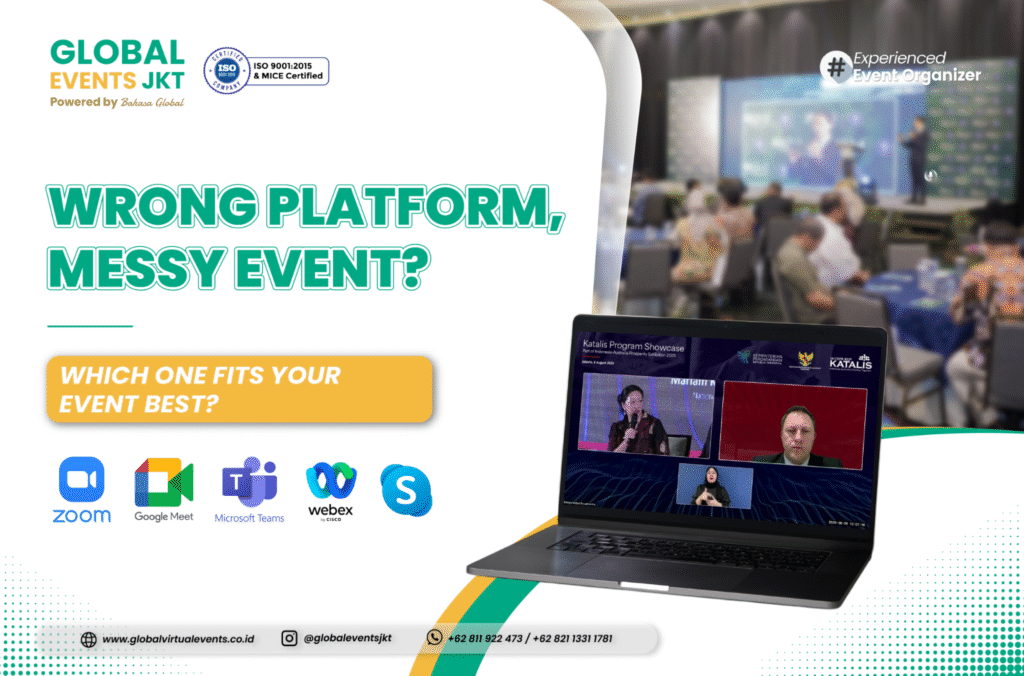
Online meetings and hybrid events are now essential for many companies. Businesses no longer run only simple virtual meetings. They also organize webinars, online training, town halls, and hybrid conferences.
Therefore, choosing the right online meeting platform has become important. Each platform offers different features, capacity, and technical systems. As a result, the platform can affect the overall event quality.
The right platform helps an event look more professional. On the other hand, the wrong platform can create technical issues. Therefore, organizers must understand the event requirements from the start.
As an event organizer Jakarta, Global Events Jakarta helps clients choose the right platform. We also support technical needs for virtual events, hybrid meetings, and hybrid events.
Every Event Needs a Different Platform
Not every online meeting platform fits every event. Some platforms work better for internal meetings. Meanwhile, others offer stronger features for webinars and large-scale hybrid events.
The number of participants is one key factor. In addition, organizers must consider recording, security, interaction, and participant control. When these aspects match, the event can run more smoothly.
For a corporate event, platform selection also affects the audience experience. A stable platform helps participants follow the event more comfortably. As a result, the message becomes easier to deliver.
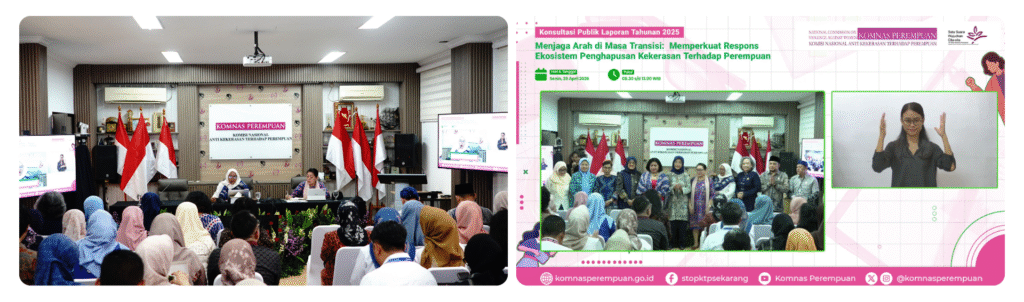
A hybrid event supported through Zoom Meeting and organized by Global Events Jakarta on 20 April 2026
Zoom for Webinars and Large-Scale Events
Zoom is one of the most popular platforms for online meetings and webinars. It offers two main options, Zoom Meeting and Zoom Webinar. Both options serve different event needs.
Zoom Meeting works well for interactive discussions. Participants can speak, turn on cameras, and join the conversation directly. Therefore, this format suits team discussions, training, and collaborative meetings.
Meanwhile, Zoom Webinar works better for formal events with larger audiences. The host can manage participant interaction in a more controlled way. As a result, the webinar feels more organized and professional.
Benefits of Using Zoom
Zoom supports events with a large number of participants. In addition, it offers breakout rooms, recording, waiting rooms, and participant management. These features help an event organizer manage events more easily.
Zoom is also familiar to many users. Therefore, it suits online seminars, hybrid events, and virtual events. However, the technical team must still manage the setup carefully.
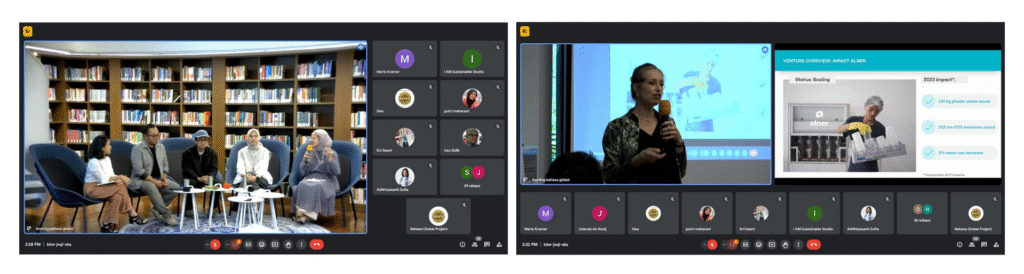
A hybrid event supported through Google Meet and organized by Global Events Jakarta on 22 July 2024
Google Meet for Practical Online Meetings
Google Meet is known as a practical online meeting platform. Participants can access it directly through a browser. In addition, Google Meet connects well with Google Workspace.
This platform suits internal meetings and team discussions. Google Meet also works for events with simple technical needs. Therefore, new users can adapt faster.
However, Google Meet is less ideal for large events with complex control needs. If an event involves many participants, another platform may work better. Therefore, organizers must analyze the event needs first.
Benefits of Using Google Meet
Google Meet does not require a complicated installation process. Participants can join through a shared meeting link. As a result, access becomes simpler.
In addition, the interface is easy to understand. This platform suits internal meetings, team coordination, and online discussions. With the right event needs, Google Meet can be efficient.
Microsoft Teams for Corporate Collaboration
Microsoft Teams is widely used by companies and organizations. This platform does more than support online meetings. It also supports chat, file sharing, and document collaboration.
Microsoft Teams integrates with Microsoft Office. Therefore, teams can work within one connected ecosystem. As a result, internal coordination becomes more structured.
Microsoft Teams suits corporate meetings, internal training, and cross-division communication. In addition, it supports companies with collaborative work systems.
Benefits of Using Microsoft Teams
Microsoft Teams makes document collaboration easier. Teams can access files, notes, and conversations in one platform. Therefore, the workflow becomes more organized.
This platform also offers a complete meeting management system. However, some participants may need technical guidance. Therefore, an operator remains important during the event.
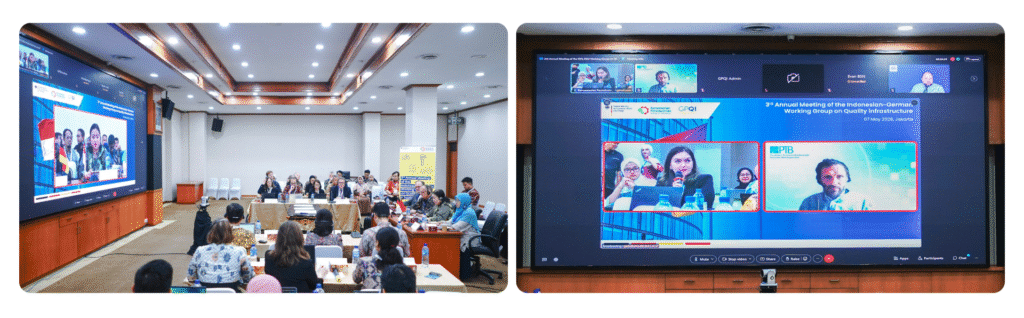
A hybrid event supported through Cisco Webex and organized by Global Events Jakarta on 7 May 2026
Webex for Secure Professional Meetings
Webex is known for strong meeting security. Many companies use it for professional meetings and formal conferences. In addition, Webex offers detailed participant control.
This platform suits large companies and institutions. Webex also supports events with more complex technical requirements. Therefore, many organizers choose it for formal meetings.
However, Webex requires proper preparation. Participants need to understand the access flow and meeting features. Otherwise, the login process may take more time.
Benefits of Using Webex
Webex offers strong stability and meeting security. It supports formal meetings that need detailed control. As a result, organizers can keep events secure and structured.
In addition, Webex suits professional conferences. The platform can help events run in a more orderly way. However, operator support still helps reduce technical risks.
Skype for Simple Online Meetings
Skype is one of the well-known platforms for remote communication. It supports video calls, voice calls, and chat. Therefore, Skype can still support simple meetings.
Skype suits small discussions and team communication. It also works for meetings with a limited number of participants. However, its professional event features are not as complete.
If an event needs recording, participant control, or broadcast layouts, Skype may be less ideal. On the other hand, Skype works well for quick communication. Therefore, organizers must match it with the event scale.
Benefits of Using Skype
Skype is easy to use for simple meetings. It supports video calls, voice calls, chat, and file sharing. As a result, basic communication becomes more practical.
However, Skype is not the main choice for large hybrid events. Formal events need platforms with more complete features. Therefore, an event organizer can help choose the best option.
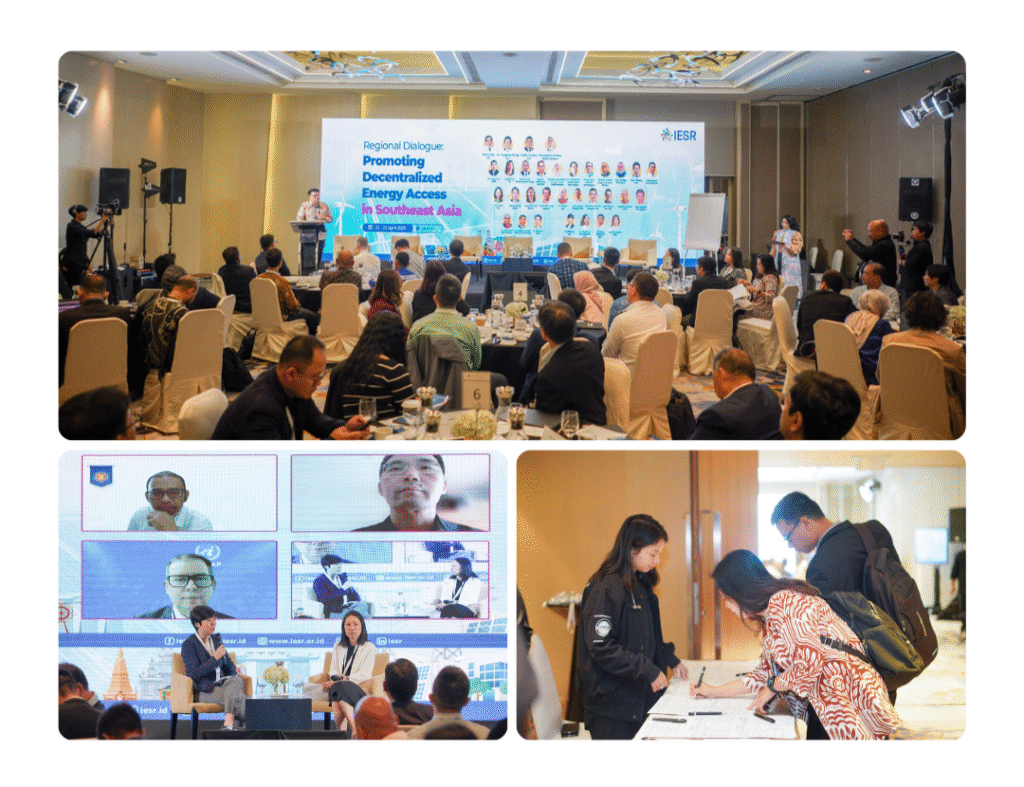
A hybrid event supported and organized by Global Events Jakarta on 22–23 April 2025
Which Platform Fits Your Hybrid Event Best?
Each platform has its own strengths. Zoom suits webinars and hybrid events with large audiences. Google Meet works well for simpler meetings.
Microsoft Teams supports corporate collaboration. Webex fits formal meetings with higher security needs. Meanwhile, Skype works better for smaller and simpler communication.
However, the platform alone cannot guarantee a successful event. The team must also manage operators, rundown, audio, visuals, and internet connection. If these elements are not coordinated, the event may face problems.
Therefore, support from a jasa event organizer becomes important. An event organizer connects technical needs with the event flow. As a result, participants can join the event more comfortably.
Hosting Rental Support for Online Meetings
Global Events Jakarta provides hosting rental services for various online meeting platforms. These platforms include Zoom, Google Meet, Microsoft Teams, Webex, and Skype. This service helps clients run events more practically.
Our professional operators also support meeting setup during the event. Operators can manage participant monitoring, screen sharing, breakout rooms, and technical troubleshooting. Therefore, organizers do not need to handle everything alone.
This support is useful for webinars, online training, and virtual events. In addition, it helps hybrid meetings run more smoothly. As a result, onsite and online participants can enjoy a better experience.
Global Events Jakarta for Virtual and Hybrid Events
As an event organizer, Global Events Jakarta supports many digital event needs. We help clients choose platforms, prepare technical systems, and manage event flow. Therefore, events can run better from the planning stage.
We also support jasa event and jasa event organizer needs for various formats. These include corporate events, webinars, conferences, virtual events, and hybrid events. In addition, we handle virtual event management with a structured workflow.
For events that need wider broadcast coverage, we provide jasa live streaming support. Our team can also support clients as a vendor live streaming and hybrid event organizer. Therefore, clients do not need to manage too many separate vendors.
Global Events Jakarta also supports conference event organizer needs. We help coordinate platforms, audiovisual systems, operators, documentation, and live streaming. As a result, events can run more efficiently from preparation to execution.
Choose the Right Platform with an Experienced Event Organizer
Choosing an online meeting platform must start from the event objective. The right platform helps an event look more professional. Meanwhile, the wrong platform can affect the participant experience.
Therefore, organizers need a partner who understands technical and operational needs. Global Events Jakarta is an event organizer Jakarta that supports those needs. We help plan onsite, virtual, and hybrid events more effectively.
If you need the best event organizer for your corporate event, Global Events Jakarta is ready to help. We support hybrid events, virtual events, hybrid meetings, jasa live streaming, and other event needs.
For more information, contact:
📞 +62 811 9224 273 | +62 821 1331 1781
🌐 www.globalvirtualevents.co.id
📧 contact@globalvirtualevents.co.id