

Understanding the Breakout Room Feature in Zoom: Functions, How It Works, and Its Benefits for Events | Zoom Meeting Vendor
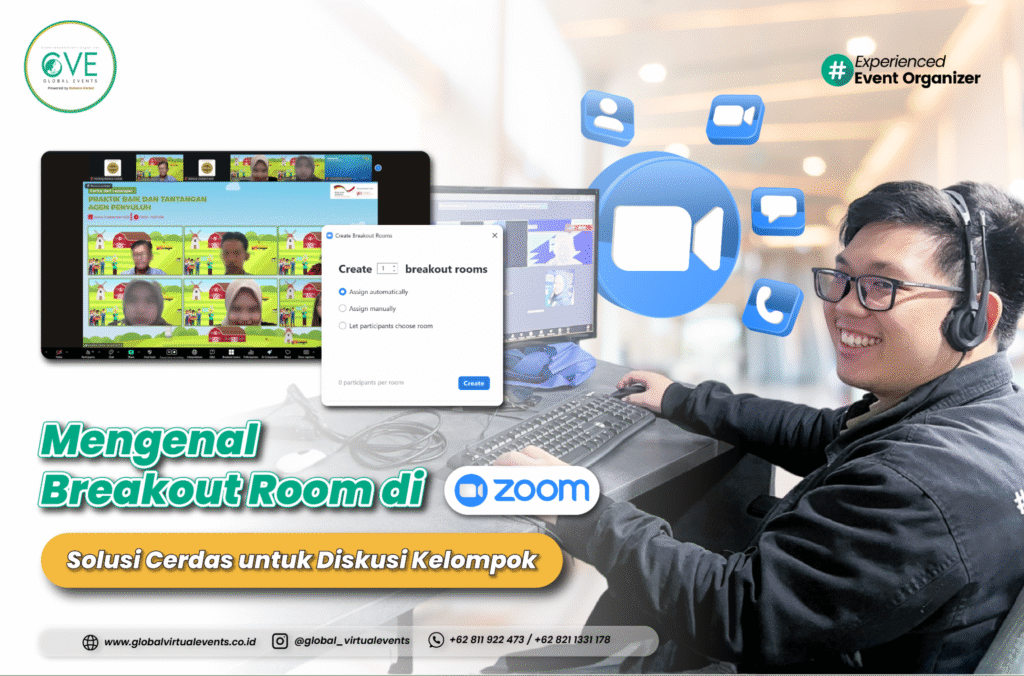
In the organization of online and hybrid events, effective communication is one of the key factors for success. Zoom, as one of the most widely used virtual conferencing platforms, offers a variety of features to support these needs. One of the most frequently utilized features by event organizers is the Breakout Room.
This feature is not only useful for internal meetings but has also become an essential component in the implementation of training sessions, workshops, and large-scale conferences such as MICE (Meeting, Incentive, Conference, Exhibition).
What Is a Breakout Room in Zoom?
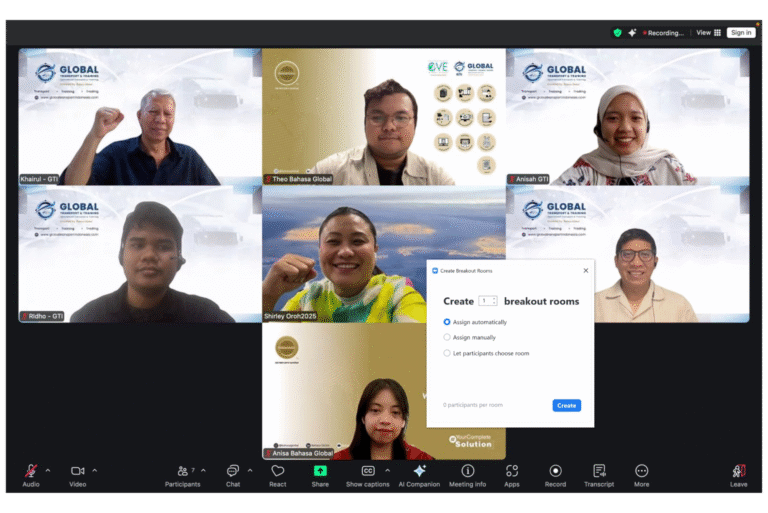
A Breakout Room is a Zoom feature that allows the host to divide meeting or event participants into several smaller rooms (sub-rooms) for discussions, practice sessions, or specific task assignments, separate from the main room.
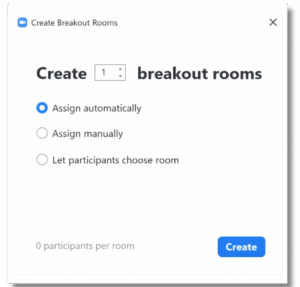
This feature provides flexibility for organizers to group participants automatically based on the desired number of rooms, or manually according to specific needs—such as discussion topics, roles, institutions, or divisions.
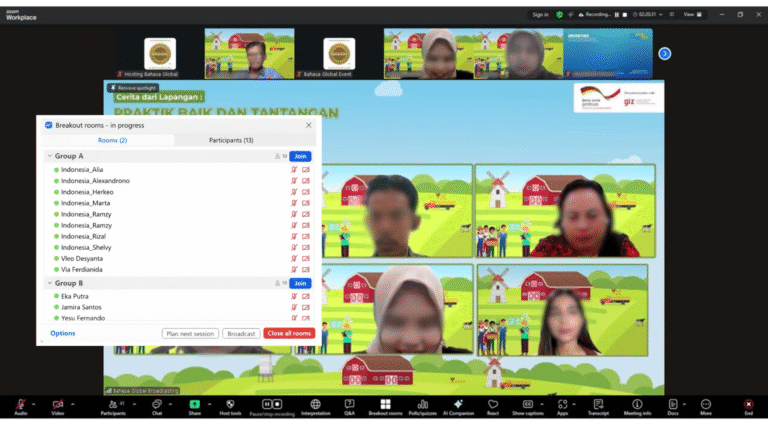
Breakout Rooms are typically used after a main or plenary session to divide participants into parallel sessions or discussion groups, and then return them to the main room once the discussion time has ended.
This feature is highly efficient, as it eliminates the need to create separate Zoom links for each group. All participants remain within the same virtual meeting environment.
Key Features and Functions of Breakout Rooms
Breakout Rooms are equipped with a range of features designed to enhance interaction and coordination among participants. Key functions include:
1. Automatic and Manual Participant Assignment
Hosts can choose whether participants are assigned automatically by the system or manually to specific rooms. This option makes it easier to tailor group arrangements based on discussion needs.
2. Co-Host and Moderator per Room
Each Breakout Room can have its own co-host or moderator to guide discussions and ensure sessions remain focused and productive.
3. Broadcast Message
Hosts can send messages simultaneously to all Breakout Rooms—for example, to remind participants of remaining discussion time or to announce the next session.

4. Timer and Automatic Return
Hosts can set a specific duration for Breakout Rooms. Once the time expires, participants are automatically directed back to the main room.
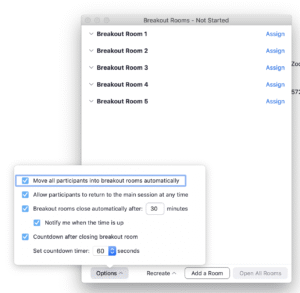
5. Full Meeting Features in Each Room
Each room includes complete meeting functionalities such as screen sharing, chat, audio, and video, allowing participants to interact fully as if they were in an independent virtual meeting.
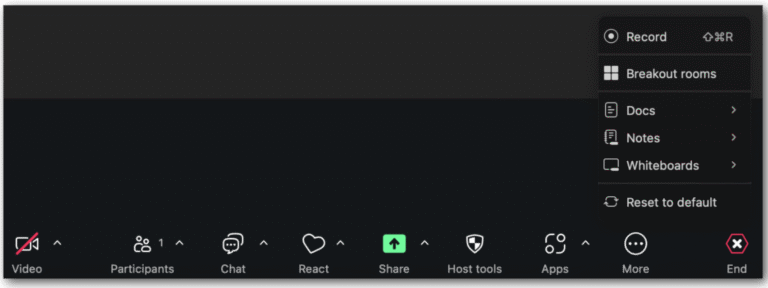
6. Flexible Room Movement
Hosts can move between rooms to monitor discussions or assist participants as needed. Participants can also be reassigned to other rooms by the host without leaving the meeting.

7. Recording and Security
Hosts can decide whether Breakout Room sessions are recorded. Typically, only the main host has recording access to ensure data security and participant privacy.
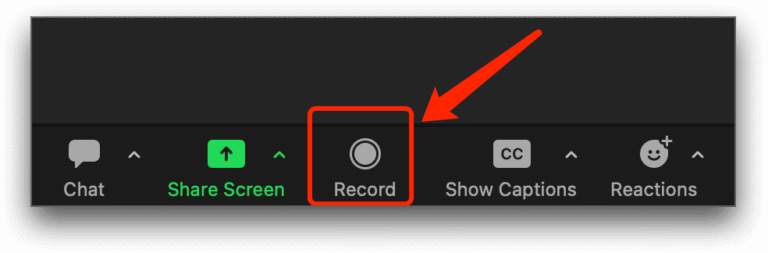
With these capabilities, Breakout Rooms serve as an essential tool for fostering effective interaction and collaboration in various online event formats.
Breakout Room dalam Konteks Hybrid Event
In hybrid events, Breakout Rooms act as a bridge between onsite participants and those joining virtually. This feature enables both groups to remain connected and actively participate in parallel sessions.
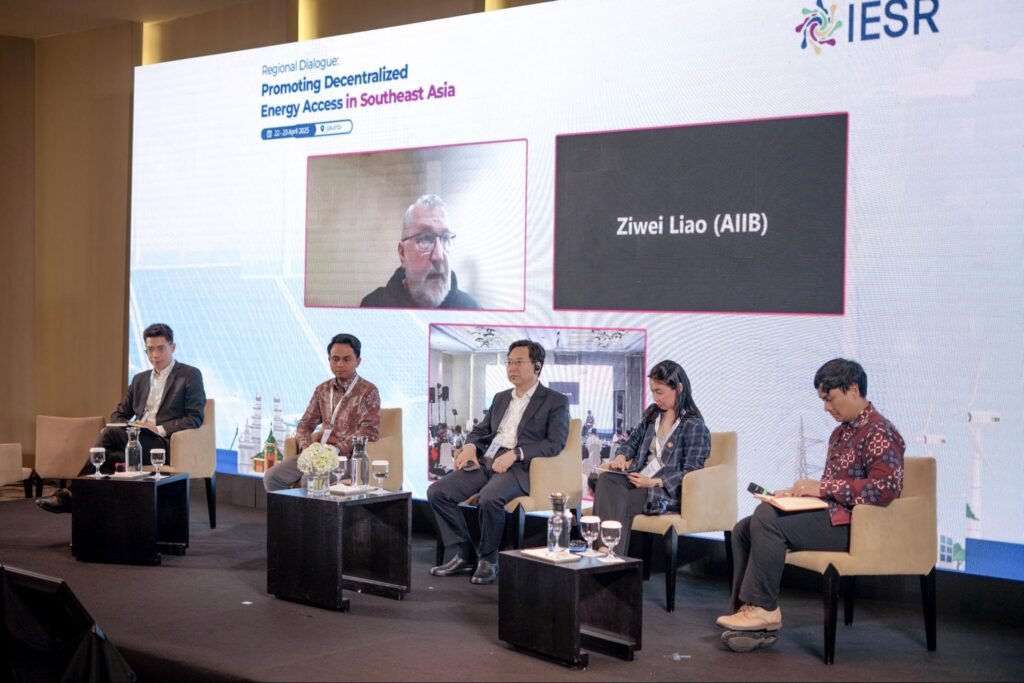
For example, in a conference with 300 participants, some attending in person and others online. Breakout Rooms allow virtual participants to join group discussions alongside onsite moderators who are connected to the venue’s audiovisual system.
Breakout Rooms can also be used to manage parallel sessions or thematic workshops, where each room focuses on a different topic. With the support of a technical team and a reliable broadcasting system, all sessions can be brought back into the main plenary session for group reporting or closing remarks.

In practice, this feature is especially beneficial for events such as:
International seminars and training programs
Professional cross-institution workshops
Hybrid conferences with multiple speakers and participants
Large-scale MICE events with parallel agendas
Breakout Rooms ensure that all participants remain actively engaged, regardless of physical location or distance.
Summary
The Breakout Room feature in Zoom is an essential component in delivering interactive and well-organized online and hybrid events. With its room division capabilities, inter-group communication tools, and technical flexibility, this feature enables event organizers to create more dynamic, collaborative, and efficient event experiences.
To ensure smooth execution, it is crucial for event organizer teams to conduct thorough technical testing and preparation—especially for events with large audiences and multiple parallel sessions.
📞 Contact Global Events for professional technical support, Zoom coordination, and Breakout Room management for various types of online and hybrid events.
📞 Phone: +62 811 9224 273 | +62 821 1331 1781
🌐 Website: www.globalvirtualevents.co.id
📧 Email: contact@globalvirtualevents.co.id